


Connect network
Pick & Place
Video tutorials
Tutorial (07:31 min)
Setup and Networking
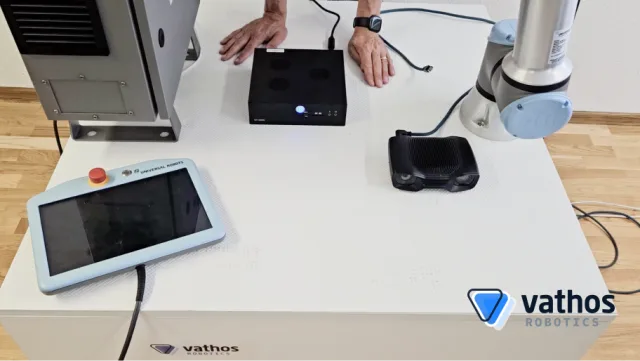
In this video we describe how to connect the industrial PC with the machinery network of the robot and the 3D camera. In addition, it shows which network parameters have to be set.
00:00 Components
00:41 Network topology
01:32 Network configuration
04:14 Wiring
05:12 Testing
Tutorial (05:55 min)
Training of Objects
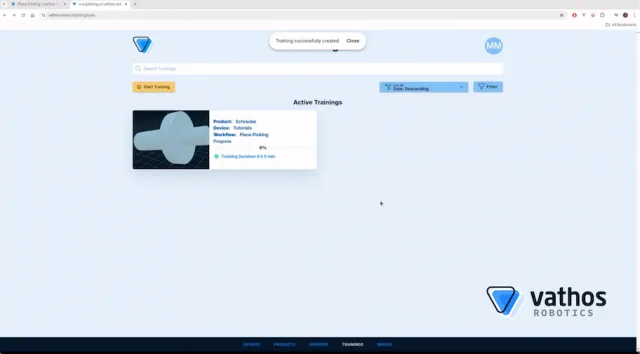
The video shows the teaching of objects in case the detection model needs a training phase. Moreover we demonstrate to setup of a fitting gripper model for selected object.
00:00 Introduction
01:09 Preparation of the gripper model
02:00 Upload of the gripper model
03:05 Upload of the object model
04:10 Recording the calibration image
04:50 Starting the training
Tutorial (16:45 min)
Object Detection

This section demonstrates the actual object recognition. First, one or more gripping points are set on an object. Next, object recognition is integrated into a robot program (here: Universal Robots).
00:00 Introduction
00:50 Defining grips
03:10 Testing inference with the app
04:02 Configuration of tools and bases
06:45 Initialization of the robot program
10:05 Programming the picking motion
Tutorial (14:10 min)
Hand-eye Calibration

This video covers hand-eye calibration to align robot and camera coordinate systems.
00:00 Introduction
01:25 Calibration pattern
02:12 Teaching view points
03:50 Writing the calibration program
12:43 Validation of the result